Master AI NOW Logistics in Minutes
Click any visual topic card below to open a concise step-by-step guide and launch the feature directly.
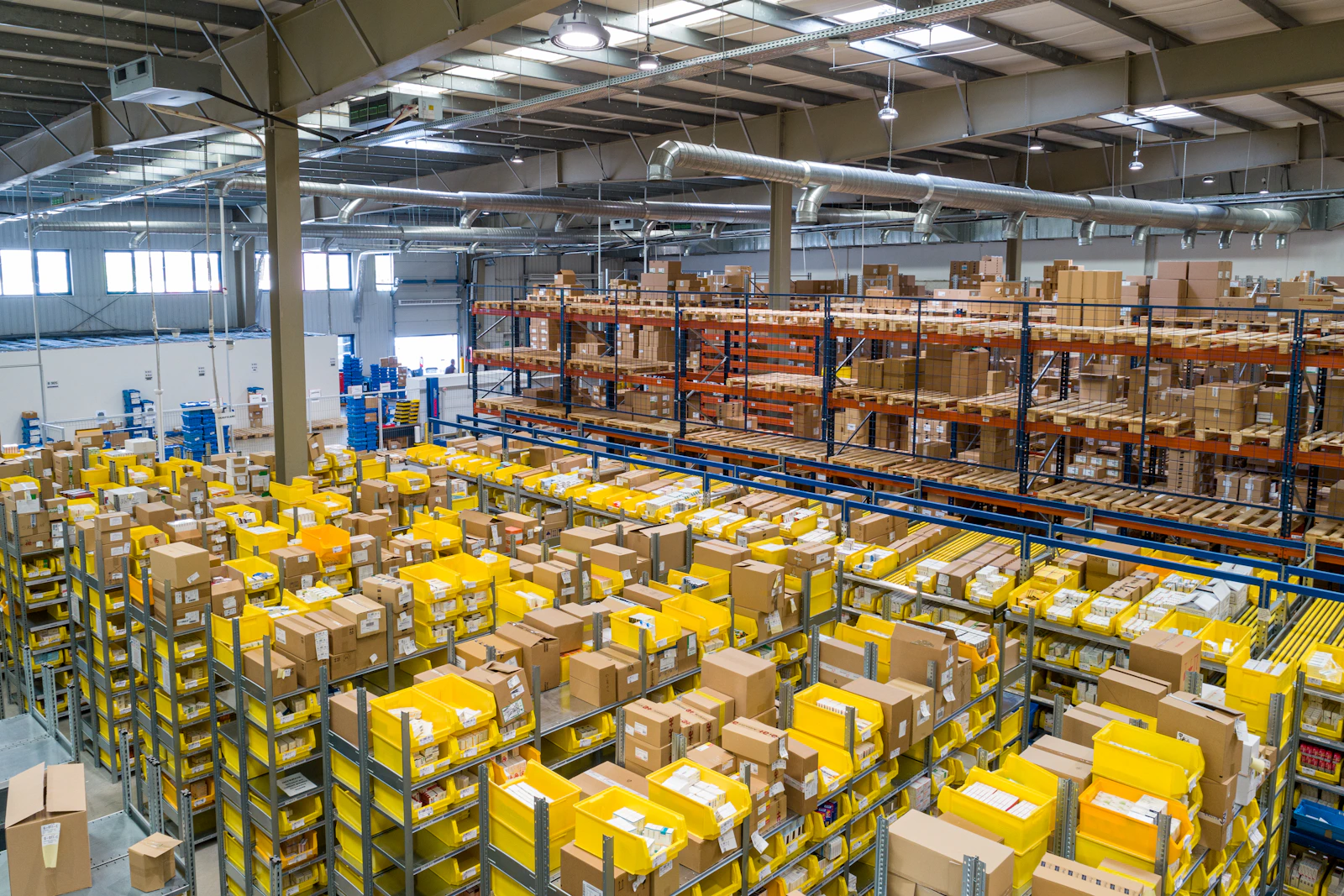
Configure your Singapore logistics workspace, operating hours, fleet zones, and team roles in under 5 minutes.
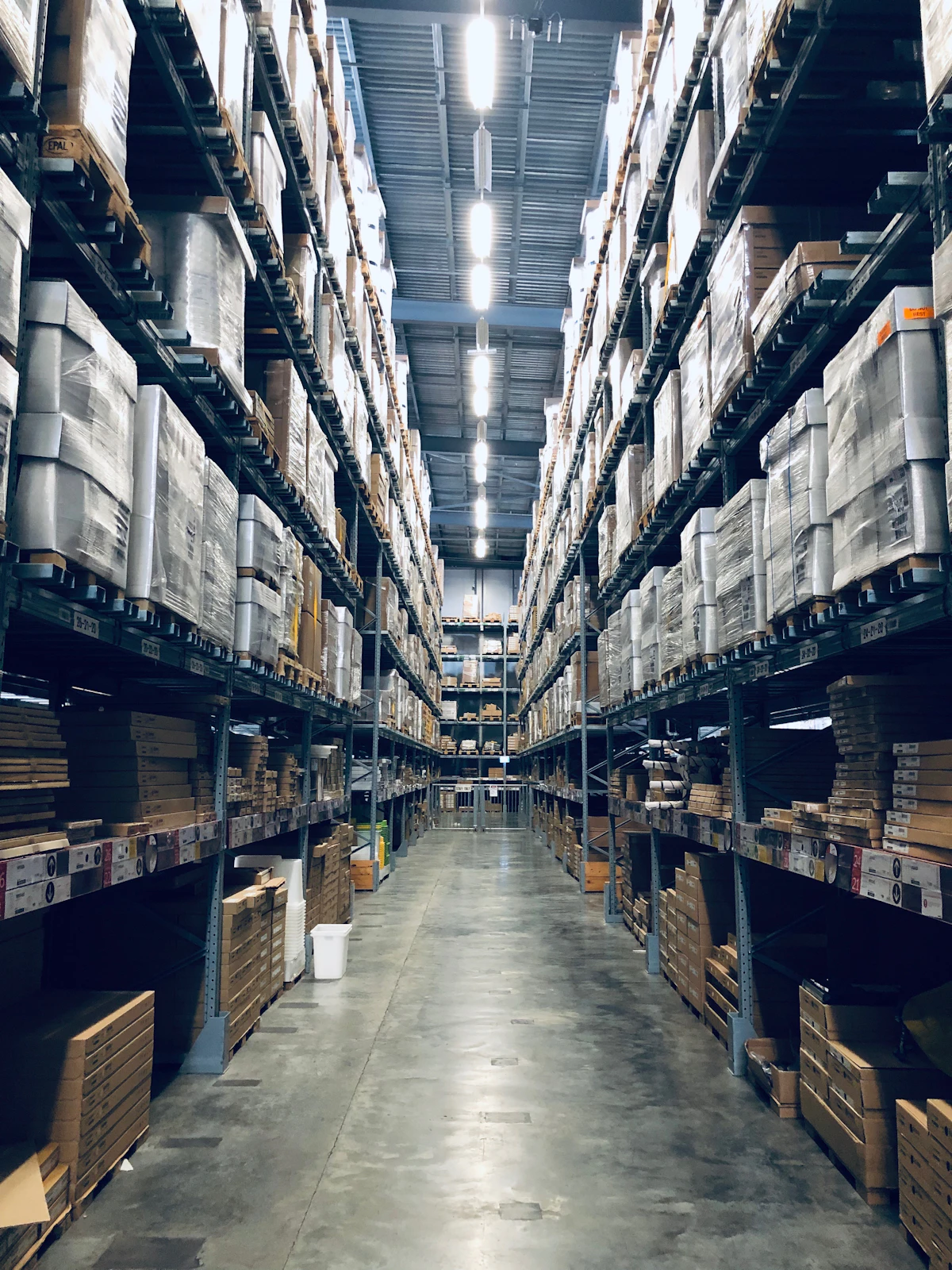
Book single or multi-stop deliveries using the 4-step wizard or paste WhatsApp/email text for AI auto-fill.

Match unassigned jobs to the best available driver and vehicle using the 3-column AI Dispatch workspace.

Monitor live GPS positions, speed, route progress, and proactive ETA alerts across Singapore.

Collect timestamped delivery photos, recipient signatures, and verification notes from the mobile driver app.

Generate GST-compliant invoices from completed deliveries, apply rate cards, and track client payments.

Onboard drivers, track Singapore Class 3/4/5 licences, monitor on-time scores, and assign vehicles.

Stay ahead of LTA vehicle inspections, road tax, COE expirations, insurance renewals, and PDPA governance.
Analyze route profitability, vehicle utilisation, client SLA trends, and driver productivity.
Ask natural-language operational questions, trigger automated workflows, or use the hands-free Voice Copilot.